 food.animated
Introduction
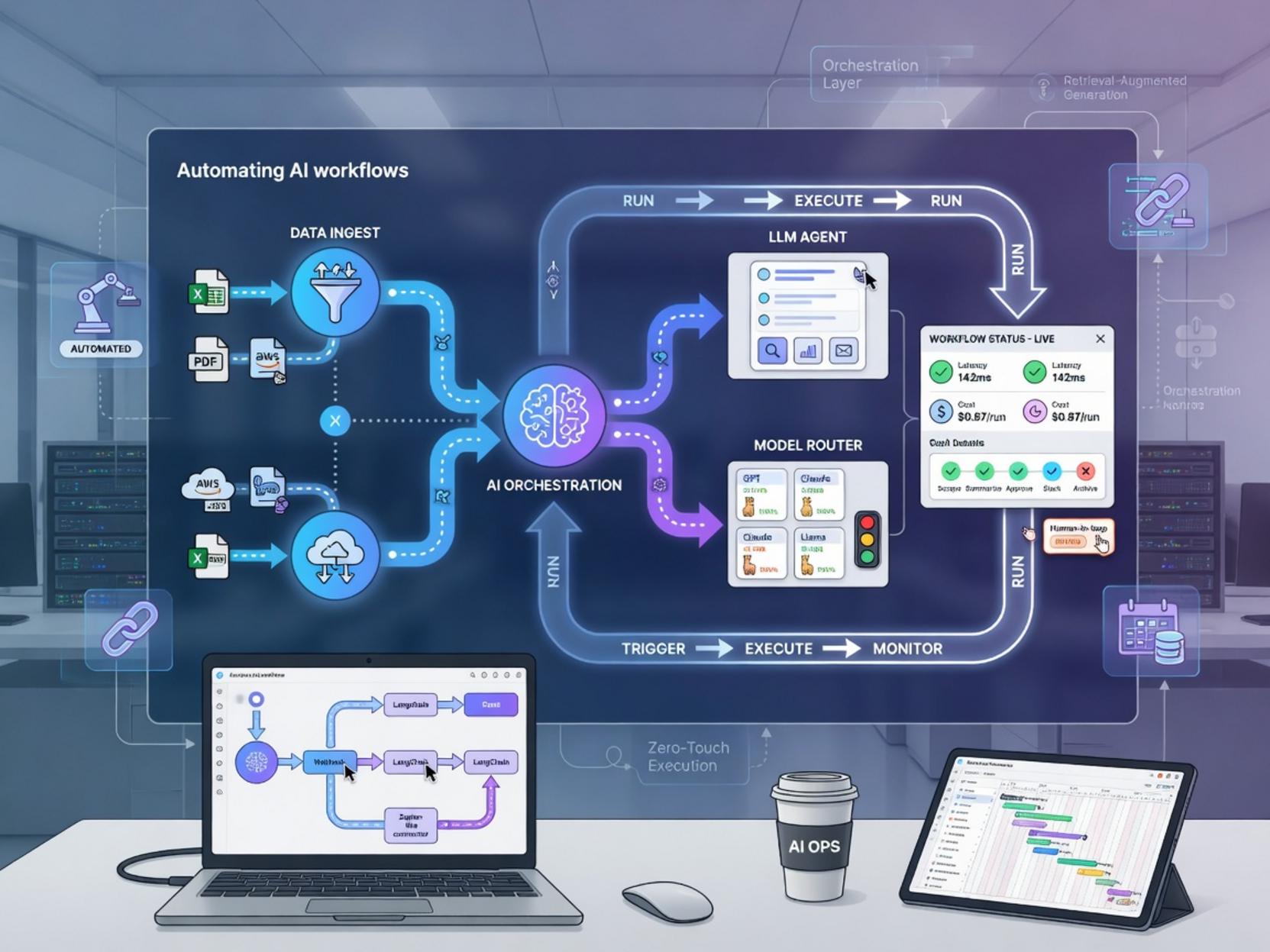
In today’s fast‑moving digital landscape, businesses that can harness the power of intelligent automation gain a decisive edge. By linking cutting‑edge AI services with flexible workflow engines, teams can streamline repetitive tasks, extract deeper insights, and accelerate product delivery. A perfect illustration of this synergy is Automating AI workflows. This approach not only reduces manual effort but also creates a reusable backbone for future projects. Complementing that vision, the platform’s own guide to building smart assistants— n8n AI automation, workflow optimization, AI agents—shows how you can embed decision‑making logic directly into your pipelines. In this post we’ll walk through a practical, step‑by‑step setup, share proven tips, and explore alternative methods so you can start benefitting from intelligent automation right away.
—
Step‑by‑Step Instructions
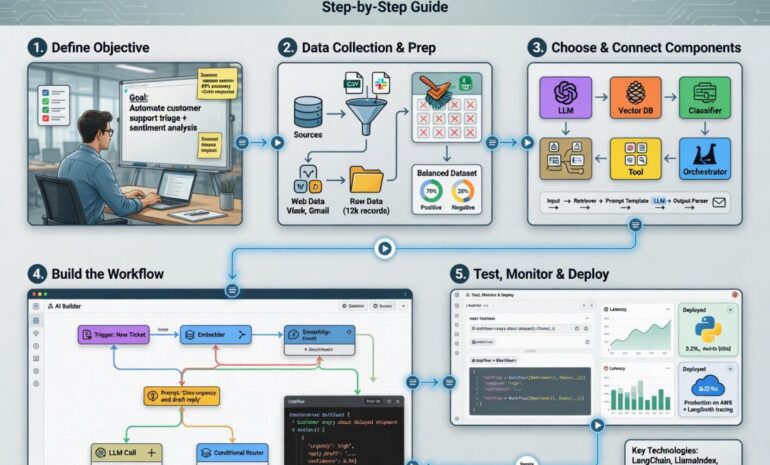
1. Create a New n8n Workflow
– Log into your n8n instance and click New Workflow.
– Give it a clear name such as “AI‑Powered Image Tagger”. This will help later when you scale the system.
2. Add an HTTP Request Node for the AI Service
– Drag an HTTP Request node onto the canvas.
– Configure it to call your preferred AI API (e.g., OpenAI, Hugging Face, or a custom model).
– Set the method to POST, paste the endpoint URL, and map the incoming data (e.g., an image URL) to the request body.
3. Parse the AI Response
– Chain a Set node after the HTTP request.
– Extract the relevant fields from the JSON payload—tags, confidence scores, or generated captions—using n8n’s expression syntax.
– Store this information in a variable called `aiResult` for downstream use.
4. Store Results in a Database
– Append a PostgreSQL or MongoDB node to persist the output.
– Map `aiResult` fields to the appropriate columns or document fields. This creates a searchable history of AI‑enhanced data.
5. Trigger Follow‑up Actions
– Depending on the confidence threshold, you might want to send a Slack notification, create a Jira ticket, or kick off another workflow.
– Use If nodes to branch logic and keep the automation clean.
6. Activate the Workflow
– Once all nodes are connected and tested, hit Activate.
– Your pipeline is now live and will automatically process incoming items, demonstrating the power of Automating AI workflows.
Throughout the build, keep an eye on the execution logs. They provide real‑time insight into latency, errors, and data transformations—critical for maintaining a robust AI‑augmented system.
—
Tips for a Smooth Implementation
– Leverage Credentials: Store API keys in n8n’s credential manager instead of hard‑coding them. This improves security and makes it easier to rotate secrets.
– Batch Processing: If you need to handle large volumes, use the SplitInBatches node to process items in manageable chunks, preventing rate‑limit issues with external AI services.
– Version Control: Export your workflow JSON regularly and keep it under Git. This enables rollback and collaborative development.
– Monitoring: Set up a simple webhook to a monitoring service (e.g., Grafana or Datadog) that fires on workflow failures, ensuring rapid incident response.
– Documentation: Annotate each node with clear notes. Future team members will appreciate the context, especially when tweaking AI prompts or model parameters.
—
Alternative Methods
While n8n offers a low‑code, visual approach, there are other paths to achieve similar results:
1. Serverless Functions (AWS Lambda / Azure Functions)
Write a lightweight function that calls the AI model, processes the response, and writes to a database. Trigger it via API Gateway or an event queue. This method gives you fine‑grained control but requires more DevOps knowledge.
2. Dedicated AI Orchestration Platforms
Tools like Apache Airflow or Prefect can schedule complex DAGs, including AI tasks. They excel in heavy‑duty data pipelines but come with a steeper learning curve and higher operational overhead.
3. No‑Code AI Builders
Services such as Zapier or Make (Integromat) now provide AI blocks. They are excellent for quick prototypes, yet they often lack the deep customizability and self‑hosting options n8n offers.
When evaluating alternatives, consider factors like scalability, cost, data residency, and the need for custom logic. For most small‑to‑medium teams, n8n remains the sweet spot because it blends flexibility, open‑source transparency, and a vibrant community.
—
Conclusion
Integrating intelligent services into everyday processes is no longer a futuristic concept—it’s a practical strategy that delivers measurable ROI. By following the steps outlined above, you’ve built a resilient pipeline that exemplifies Automating AI workflows while adhering to best practices in security, monitoring, and documentation. Moreover, the deeper dive into n8n AI automation, workflow optimization, AI agents shows how the same platform can evolve to support sophisticated agents that make autonomous decisions. Whether you decide to expand with serverless functions, adopt a full‑blown orchestration tool, or stick with n8n’s visual editor, the core principle remains: empower your team with AI‑driven automation and watch productivity soar. Start experimenting today, and let intelligent workflows become the backbone of your digital transformation.